1 Step 1 of 10
Open the Play Store
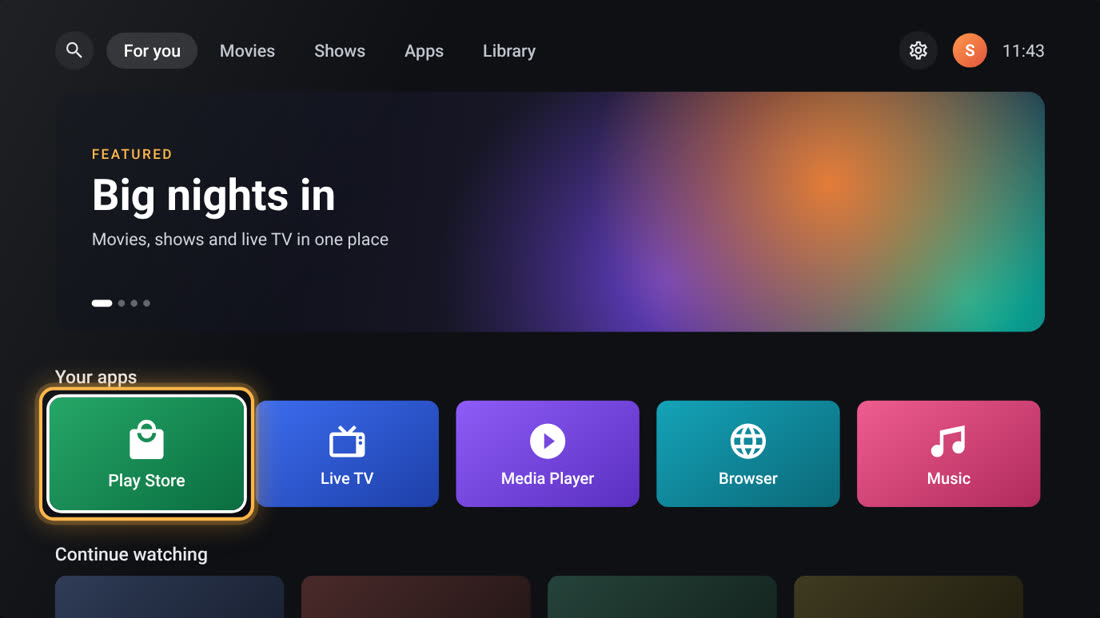
On your TV home screen, move down to your apps. Highlight Play Store and press OK on your remote.
Get EliteStocks TV on your Android TV or Google TV in about 5 minutes. All you need is the free Downloader app, your TV remote and an internet connection.
Follow the steps in order. TV menus can look a little different depending on your device brand and Android version.
On your TV home screen, move down to your apps. Highlight Play Store and press OK on your remote.
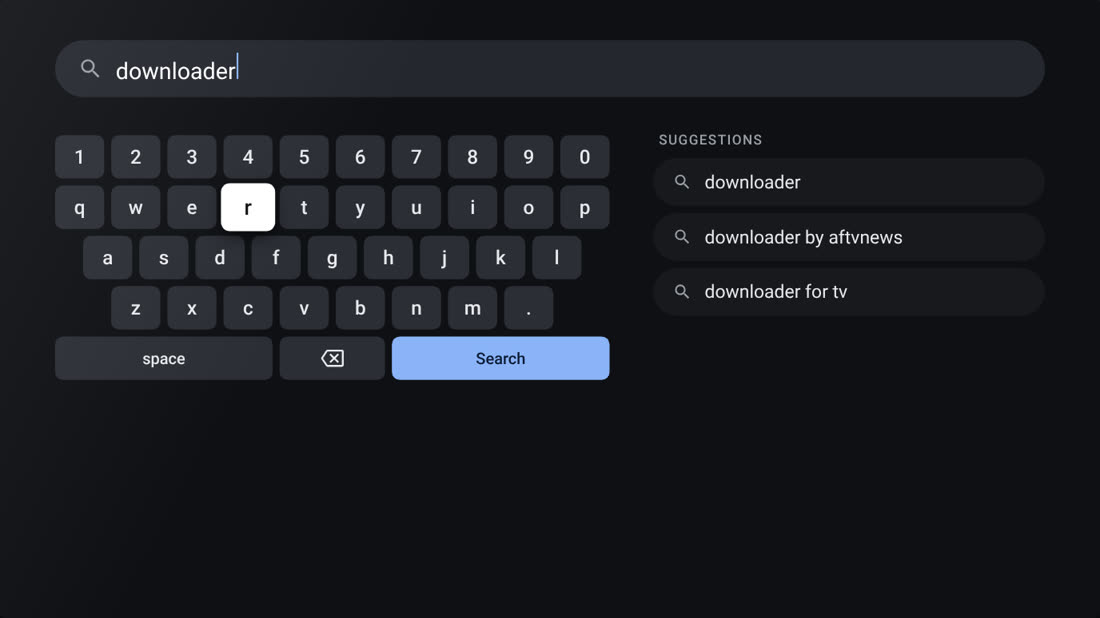
Select search and type Downloader using the on-screen keyboard. Choose the app by AFTVnews.
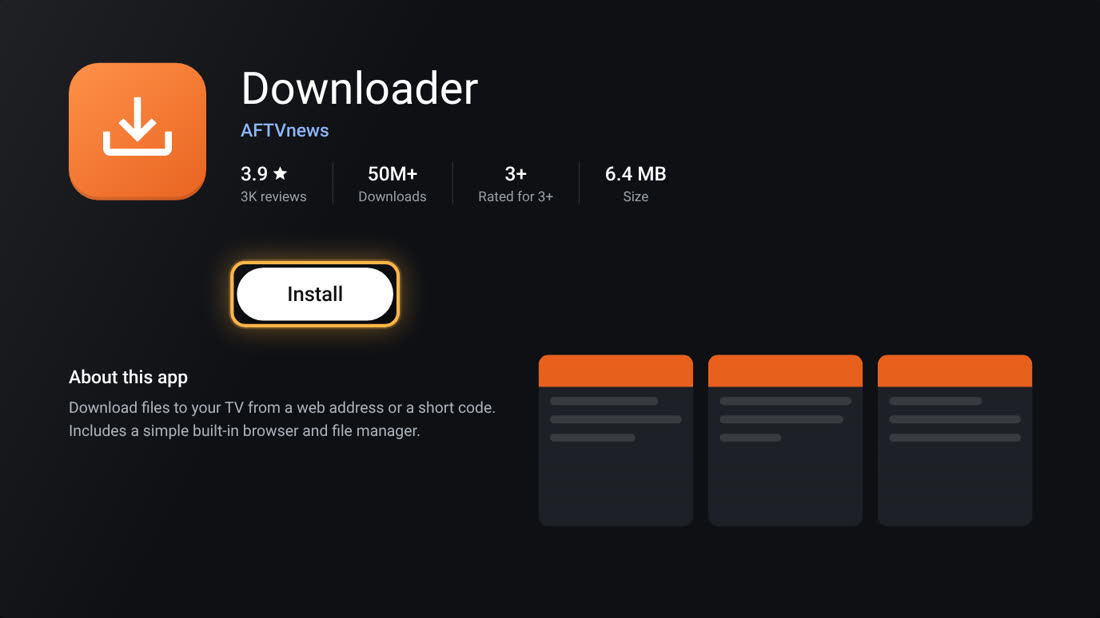
Choose the official Downloader app by AFTVnews and select Install. Wait for it to finish.
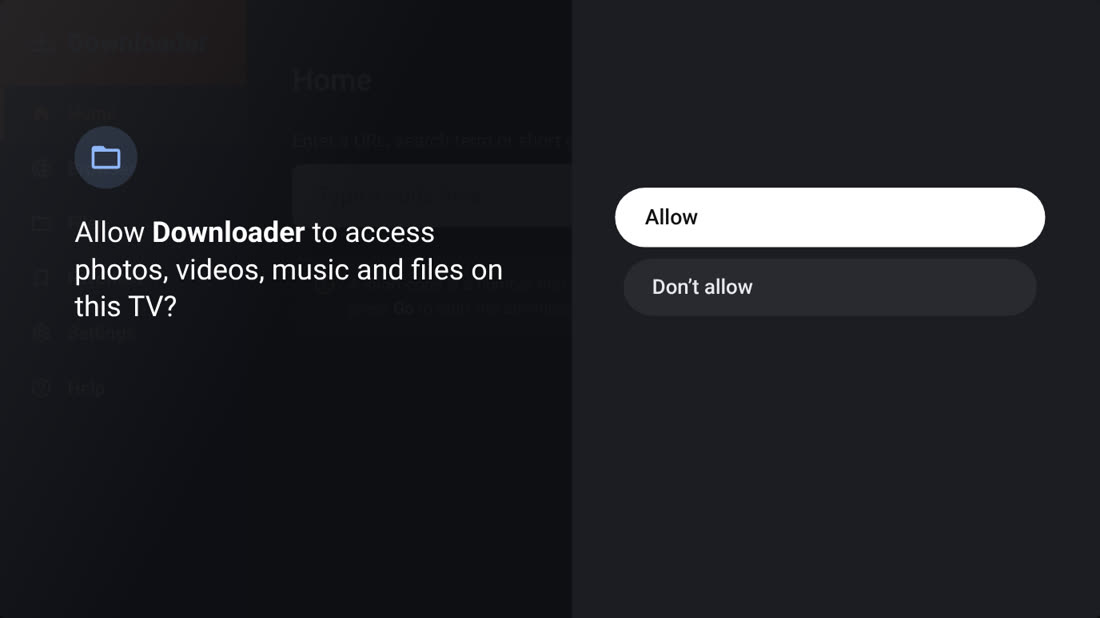
Open Downloader. If it asks to access photos, media or files, choose Allow so it can save the installer.
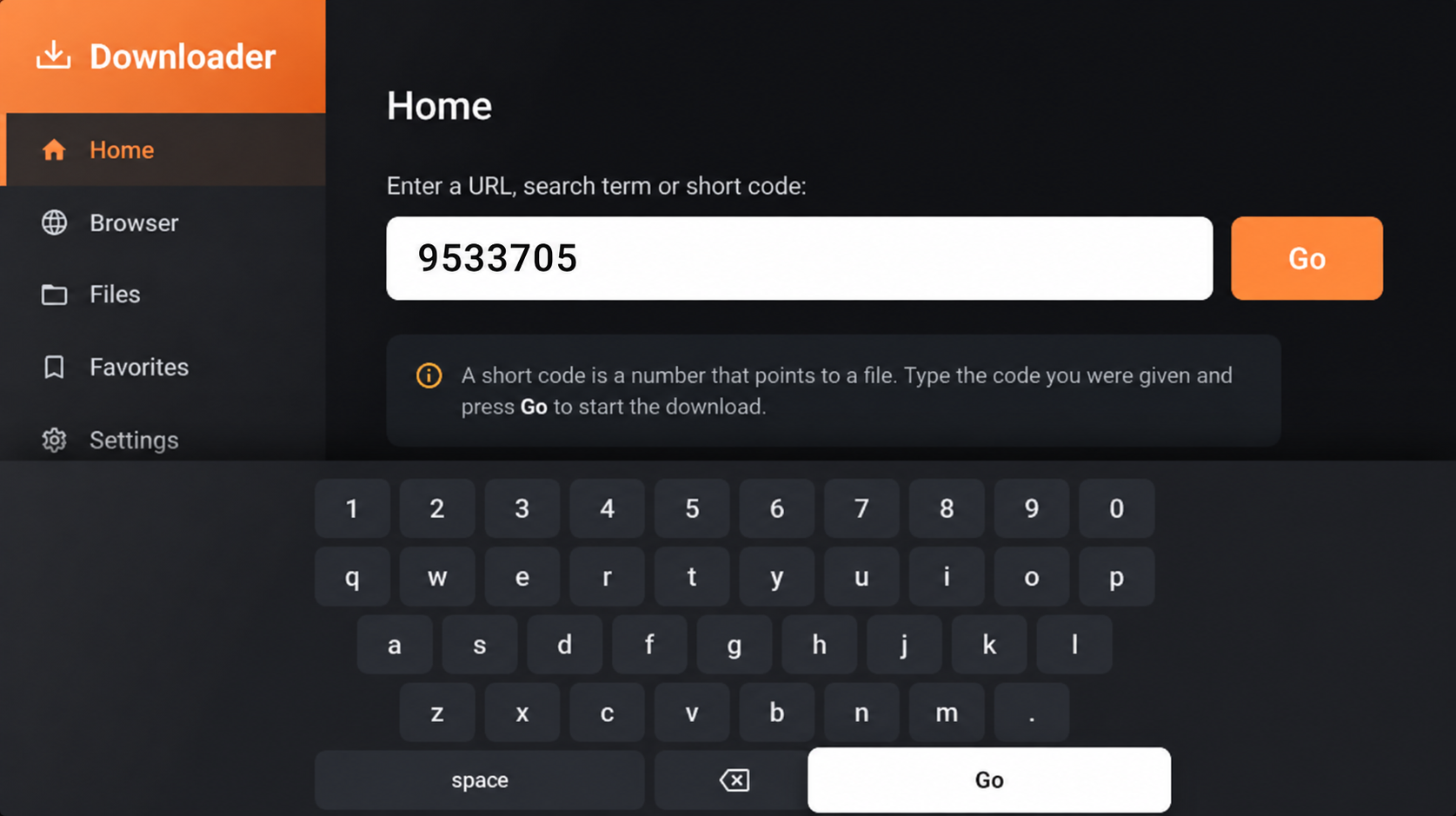
Select the address field in Downloader, enter 9533705, then press Go. Check all seven digits before continuing.
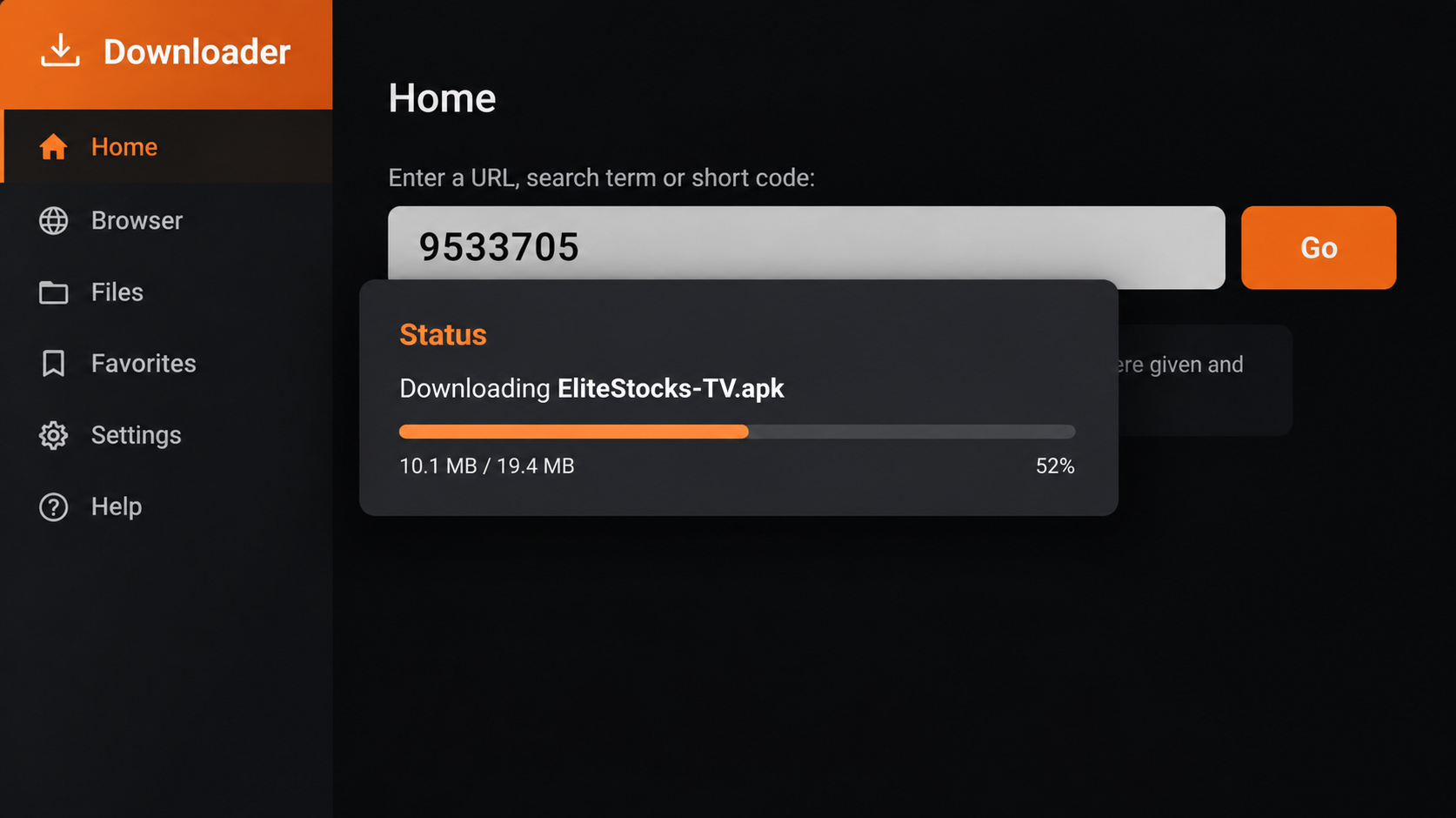
Downloader will fetch the EliteStocks TV installer (approximately 50 MB). Keep the app open until the download completes and the installation prompt appears.
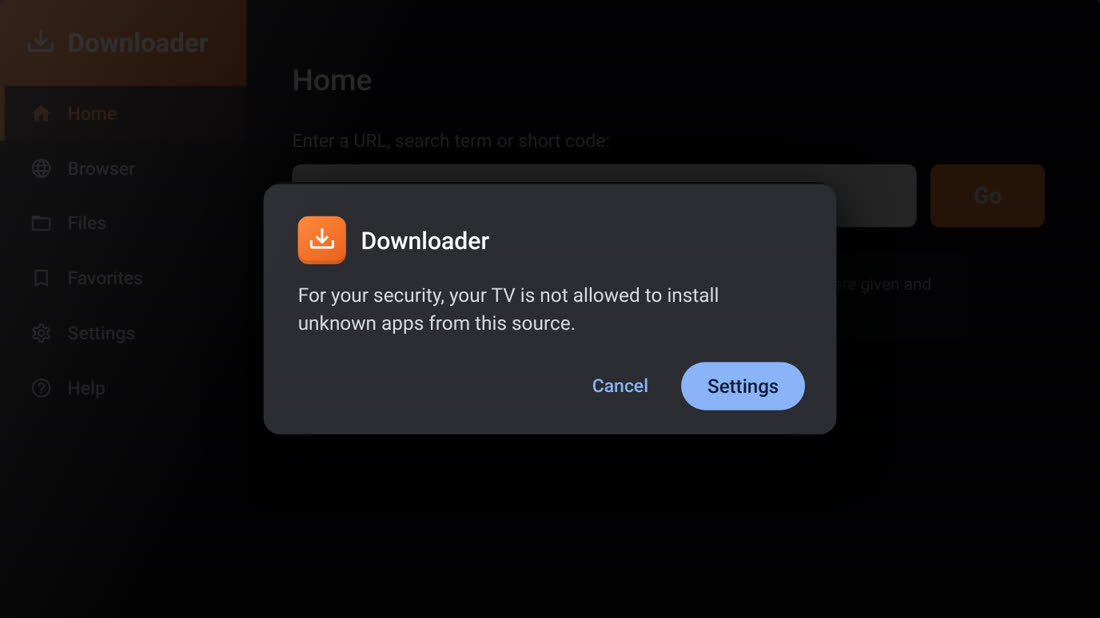
If your TV blocks the installation, choose Settings when prompted. This is a normal Android security step for apps installed outside the store.
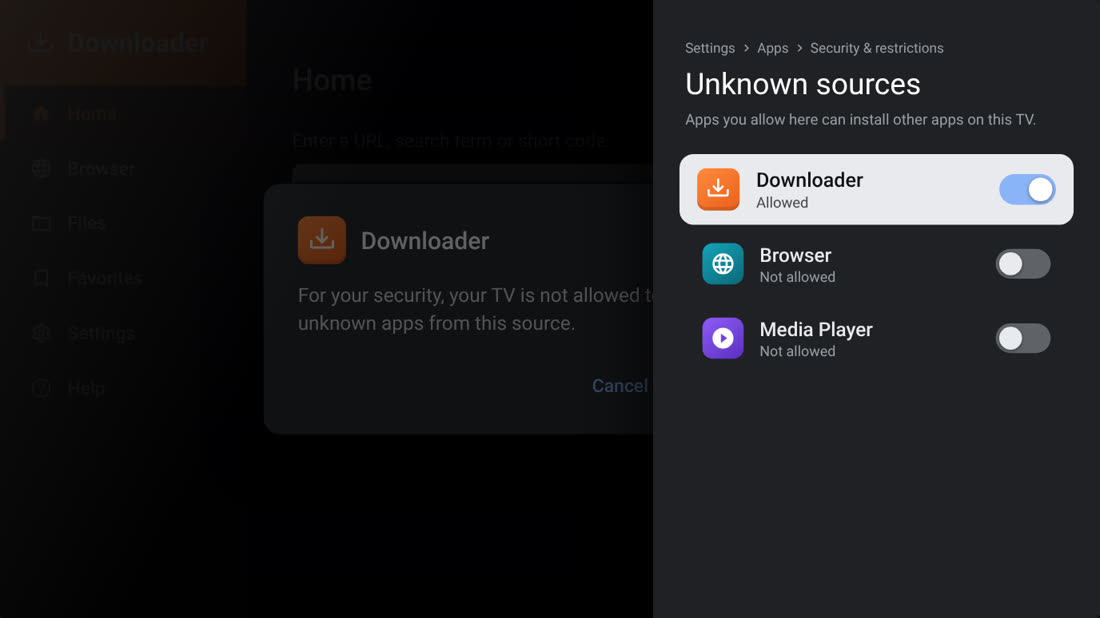
Find Downloader in your device settings and enable Allow from this source or the equivalent setting. Return to Downloader when done.
Google TV tip: If the option is missing, open Settings → System → About and press OK on Android TV OS build seven times to enable developer options.
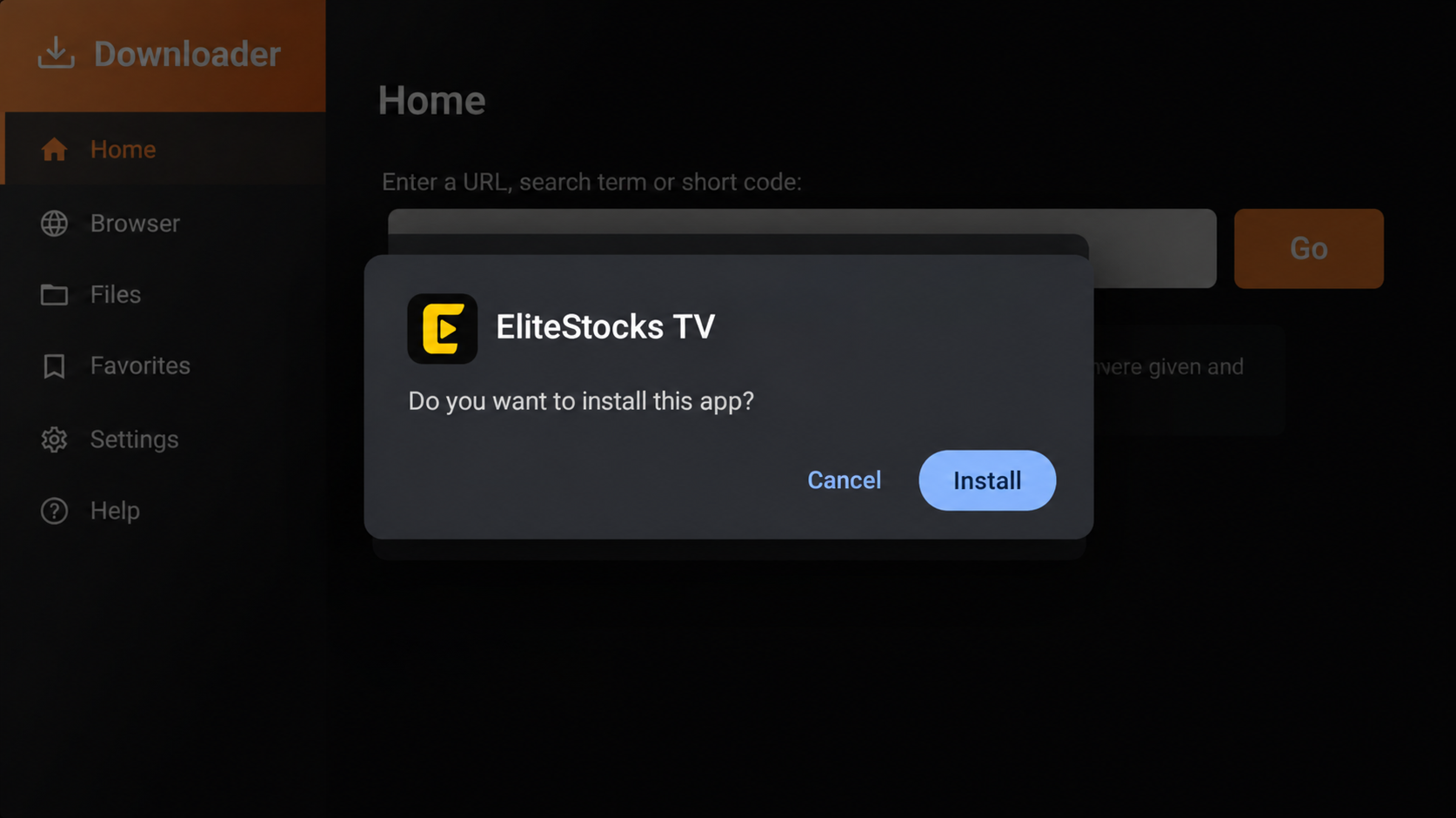
Return to the installer and choose Install. Wait until your TV confirms the app has been installed successfully.
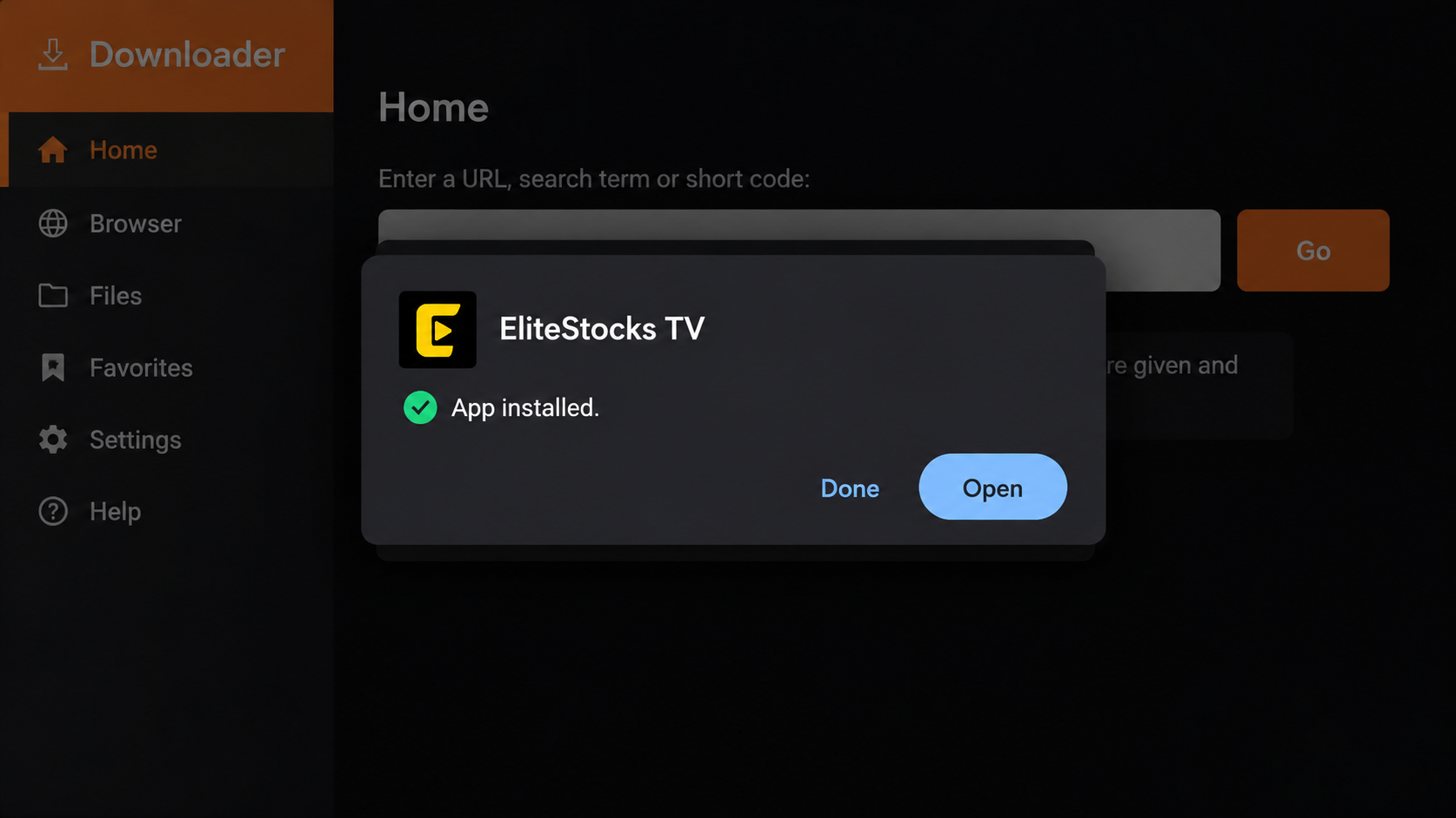
Choose Open to launch the app. You can also find it later in your TV’s Apps list. Installation complete!
After confirming the app is installed, you can open Downloader → Files and delete the APK installer if it is listed. This removes the downloaded file, not the installed app.
The app download is approximately 50 MB. Make sure your device has enough free storage before installing. Only install APK files from sources you trust.
Quick fixes for the most common installation hiccups.
Search for “Downloader by AFTVnews” and check that your TV is signed in to a Google account. If your device has a different app store, availability may vary.
Confirm you entered 9533705 exactly, check your internet connection, and try again. If the code service is unavailable, use the direct APK link above.
Menu names differ by device. Look under Settings → Apps → Security & restrictions. On some Google TV versions, developer options must be enabled first.
Check available storage and make sure the APK supports your device. If an older copy is installed, uninstall it only if you are comfortable doing so, then try again.
TV manufacturers customise Android menus. Look for similarly named options such as “Install unknown apps,” “Allow from this source,” or “Security.”
Use the official EliteStocks TV APK release link in the direct download section. Avoid unofficial mirrors or files sent by unknown sources.